Blog
Checkout Page Optimization Tips for Better Conversions
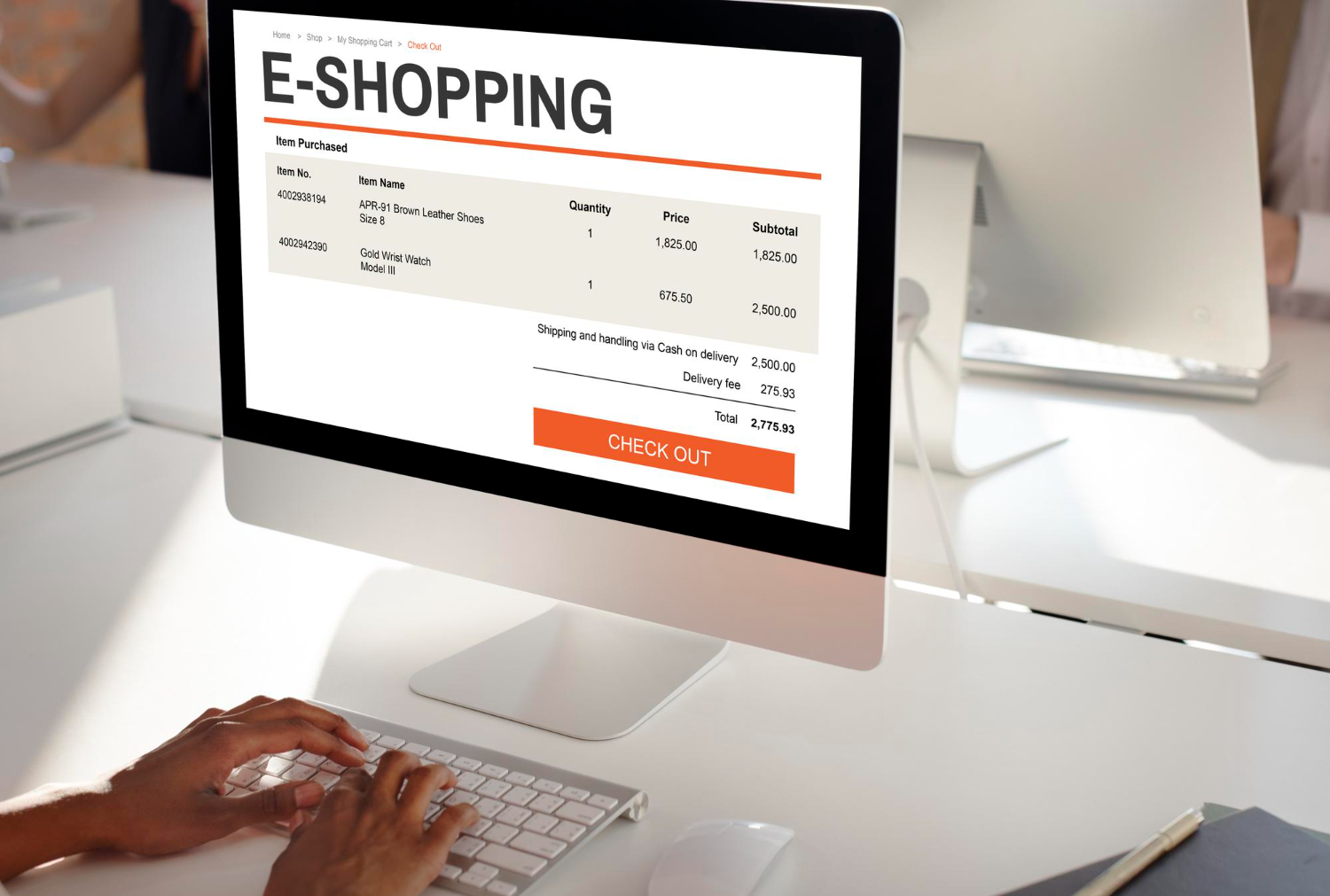
Many online stores lose customers at the final step — the checkout page. Even when shoppers are ready to buy, a complicated or confusing checkout experience can lead to abandoned carts and lost revenue.
In 2025, businesses must focus on creating a checkout process that is fast, simple, and trustworthy to maximize conversions.
Keep the Checkout Process Simple
The more steps involved in checkout, the higher the chances customers will drop off. A clean, minimal process encourages users to complete their purchase without frustration.
Best practices include:
- Reduce unnecessary form fields
- Use a clear step-by-step structure
- Avoid distractions and clutter
- Show progress indicators
Offer Guest Checkout Options
Not every customer wants to create an account before buying. Forcing registration can lead to cart abandonment.
Guest checkout allows users to complete purchases quickly while giving them the option to create an account afterward.
Optimize for Mobile Users
Many purchases happen on mobile devices. A checkout page that works smoothly on smaller screens significantly improves conversions.
Mobile-friendly checkout should include:
- Large touch-friendly buttons
- Easy-to-fill forms
- Auto-fill features
- Fast loading speed
Display Multiple Secure Payment Options
Customers feel more comfortable when they see familiar and trusted payment methods. Offering multiple payment options increases flexibility and builds confidence.
Popular options include:
- UPI payments
- Credit and debit cards
- Net banking
- Digital wallets
Show Trust Signals Clearly
Security concerns are one of the biggest reasons for abandoned carts. Displaying trust badges, SSL certificates, and secure payment icons reassures customers that their data is protected.
Clear return policies and customer support contact details also build trust.
Provide Transparent Pricing
Unexpected costs at checkout are a major reason customers leave. Always display shipping charges, taxes, and additional fees upfront.
Transparency helps customers feel confident and prevents last-minute surprises.
Enable Auto-Fill and Smart Form Design
Long or complicated forms discourage users. Smart form design improves speed and convenience.
Tips include:
- Use address auto-fill
- Enable one-click payments where possible
- Highlight errors clearly
- Use simple labels and placeholders
Optimize Checkout Speed
Slow checkout pages increase frustration and reduce conversions. Optimize images, scripts, and hosting to ensure fast loading times.
Speed improvements not only help users but also improve search engine rankings.
Add Clear Call-to-Action Buttons
Your checkout page should guide users toward completion. Buttons like “Place Order” or “Complete Purchase” should be prominent and easy to understand.
Avoid confusing wording that may cause hesitation.
Conclusion
Checkout optimization is one of the most effective ways to increase conversions without increasing traffic. A smooth, secure, and user-friendly checkout experience encourages customers to complete their purchases and return in the future.
At Build Websites, we help businesses design high-performing e-commerce websites with optimized checkout systems that reduce cart abandonment and drive more sales.
Share this post

Contacts
-
D-45/A/4, Shibalaya, 2nd Floor, Module - S1, Rabindrapally, Kolkata -700086, West Bengal, India
-
We Accept:
